
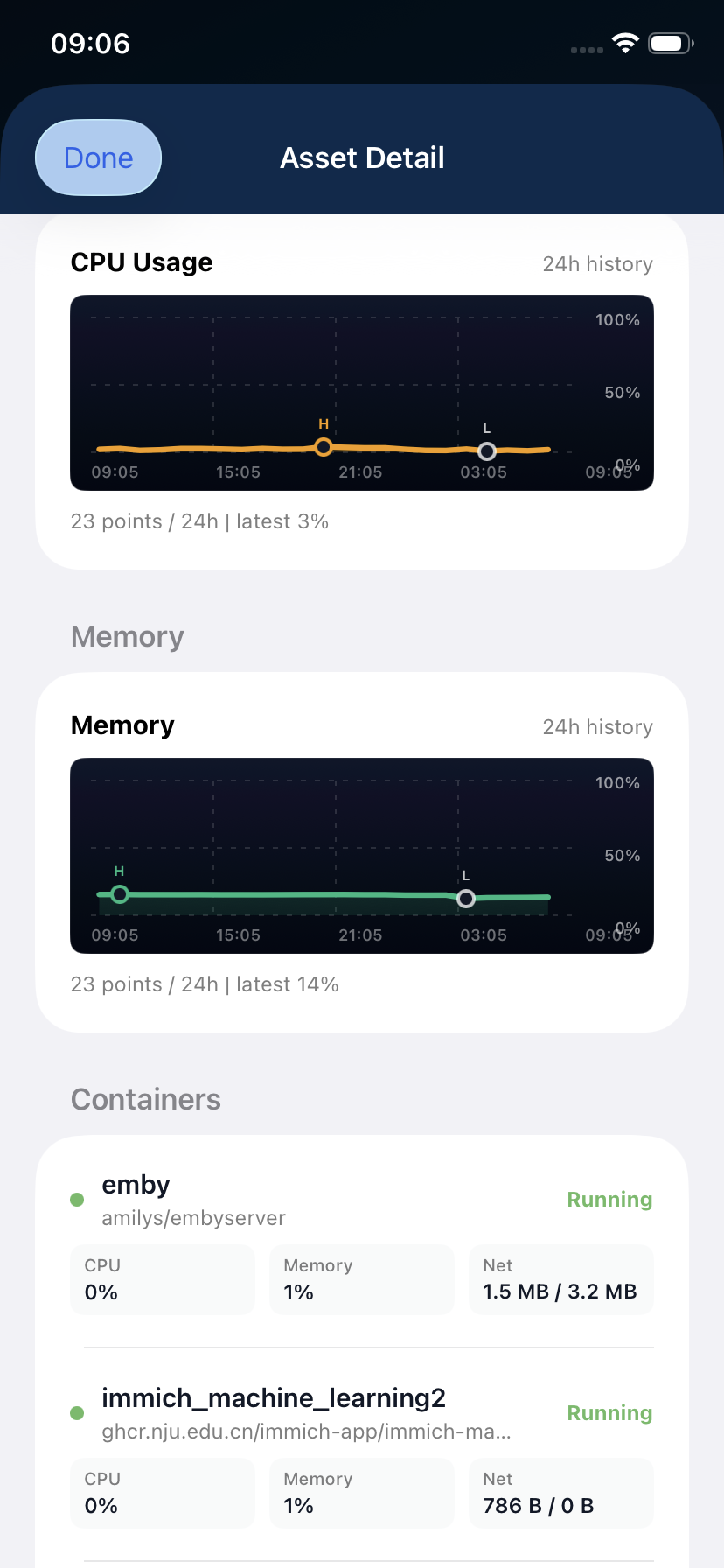
I’m a Proxmox VE + Synology DSM user who also runs quite a few Docker containers.
The web UI works fine on desktop, but the mobile experience (especially on iOS) is not great:
- Browser-based Web UI is cumbersome on phone
- Hard to quickly check Node/VM/LXC status, storage usage, CPU/memory trends, and container states
Question for the homelab community:
How do you usually monitor your Proxmox / Synology / Docker setup from iPhone?
Are there any good native iOS monitoring tools you recommend?
I’m currently trying OpsHome NOC and would love to hear your real experiences and suggestions.
Thanks in advance!
Thanks, I’ll check out ServerBox too.
Your point about not taking actions is useful. I’m also more interested in the monitoring side than remote control: quick health checks, alerts, Docker/container state, Synology/Proxmox visibility, and public checks in one iPhone view.
Do you use ServerBox mainly for Docker/Podman hosts, or does it cover your NAS/Proxmox setup well too?
I have an Ubuntu server, with some docker containers on one machine, Fedora with podman containers on another whicj I only use sometimes.
It connects using SSH only, iirc. So, I cannot say anything aboit proxmox. It does show all the mounted drives in the overview with locations and used space etc., which is a plus for me.
You should give it a try.