


You’re right, and for a lot of people, one VPS is the sensible choice. I actually addressed this in the post:
"VPS1 is my web-facing server. It handles the public side of things. VPS2 is the VPN hub. At first glance, that probably looks unnecessary. Strictly speaking, it is unnecessary. I could have crammed WireGuard onto VPS1 and called it done. But splitting the roles makes the whole thing cleaner.
One machine serves public traffic. The other handles VPN duties. That means fewer networking compromises, fewer chances of Docker or firewall rules becoming annoying, and a clearer separation between the public-facing stack and the private tunnel. It also means I can change one side without poking the other with a stick and hoping nothing catches fire."
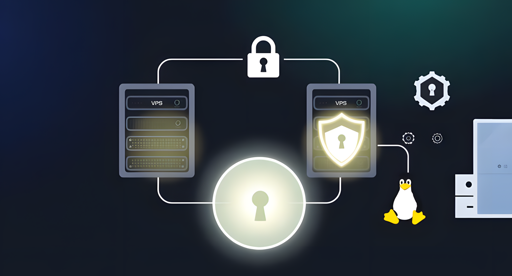
The home server is an old, low-powered mini PC running Debian. It acts as the bridge between the WireGuard tunnel and my local LAN.
I’ve just finished migrating one of my AdGuard Home instances onto it today. Its role is now twofold:
Routing: It has ip_forward enabled and a bit of NAT (iptables/nftables) so that traffic arriving from the VPN can actually “hop” onto the local network to reach my other VMs and containers.
DNS: It provides ad-blocking for the tunnel. VPN clients point to this node’s internal WireGuard IP for DNS queries.
Technically, it’s just another WireGuard peer, but with AllowedIPs configured to advertise my 192.168.x.x subnet back to the hub (VPS2). This is what allows VPS1 and my mobile devices to resolve and reach home services without a single open port on my router.