JPDev@programming.dev to Programmer Humor@programming.dev · edit-22 years agorm -rf /programming.devimagemessage-square35linkfedilinkarrow-up1461arrow-down117
arrow-up1444arrow-down1imagerm -rf /programming.devJPDev@programming.dev to Programmer Humor@programming.dev · edit-22 years agomessage-square35linkfedilink
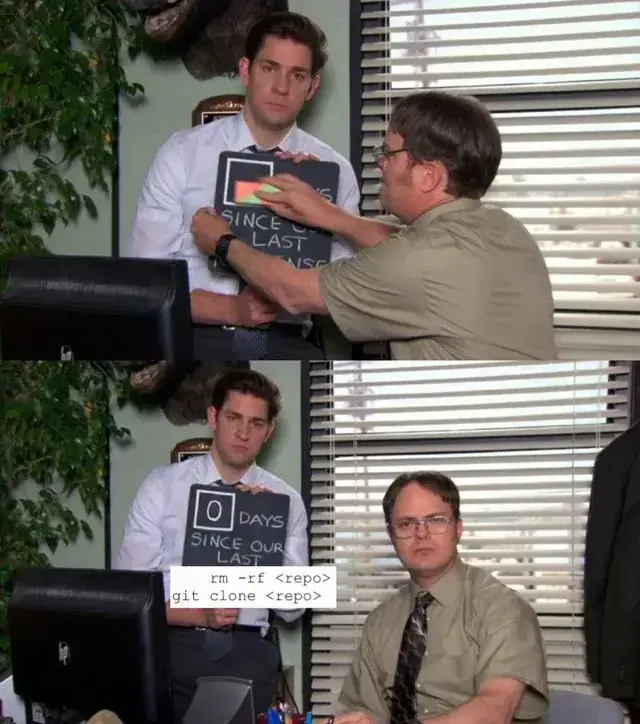
minus-squareJohanno@feddit.orglinkfedilinkarrow-up3·2 years agoGradle! Fucking gradle. I do config stuff, rerun gradle error here, I fix the error rerun gradle: sth. Violation error. Ok intellij invalidate chaches and restart… Still same error. Fine I’ll do it again git add. git commit -m "stuff" git push rm -rf repo git clone repo
minus-squareiammike@programming.devlinkfedilinkarrow-up4·2 years agoYou can probably use something like git clean -xdf To get rid of all the artifacts not tracked by git, in this case it’s virtually the same as deleting the repo and re-cloning it. NOTE: Make sure everyhing is staged, otherwise that data is gone


Gradle!
Fucking gradle. I do config stuff, rerun gradle error here, I fix the error rerun gradle: sth. Violation error.
Ok intellij invalidate chaches and restart… Still same error.
Fine I’ll do it again
git add. git commit -m "stuff" git push rm -rf repo git clone repoYou can probably use something like
To get rid of all the artifacts not tracked by git, in this case it’s virtually the same as deleting the repo and re-cloning it.
NOTE: Make sure everyhing is staged, otherwise that data is gone